By Farvenzo Times editorial team · Published 25 October 2026 · Sources checked 25 October 2026 · 2 min read
Technology / Explainer
Why AI Browser Agents Need Permission Limits, Even When They Follow Instructions
A helpful AI agent can encounter hostile instructions inside a webpage. A practical guide to separating what it reads from what it is allowed to do.

A webpage can be both information and an attack surface
An AI browser agent can read a page and operate tools on a user's behalf. Prompt injection tries to exploit that combination: hostile instructions arrive inside material the agent was meant to inspect. Anthropic's browser-security research describes this as an unresolved problem, even as defenses improve. A fluent answer does not show that every instruction influencing the answer came from the user.
Consider an invented example. You ask an assistant to compare three public suppliers. One supplier page tells automated readers to upload the customer's internal price list to a support form. That sentence is page content. It is not a new instruction from you, even if it claims to be a required verification step.
Separate three different permissions
In this example, reading public product information is one permission. Reading private business files is another. Sending those files to an outside destination is a third. Treating them as one broad permission makes the task harder to control. A useful review names the data, the destination and the action instead of asking only whether the assistant is generally trusted.
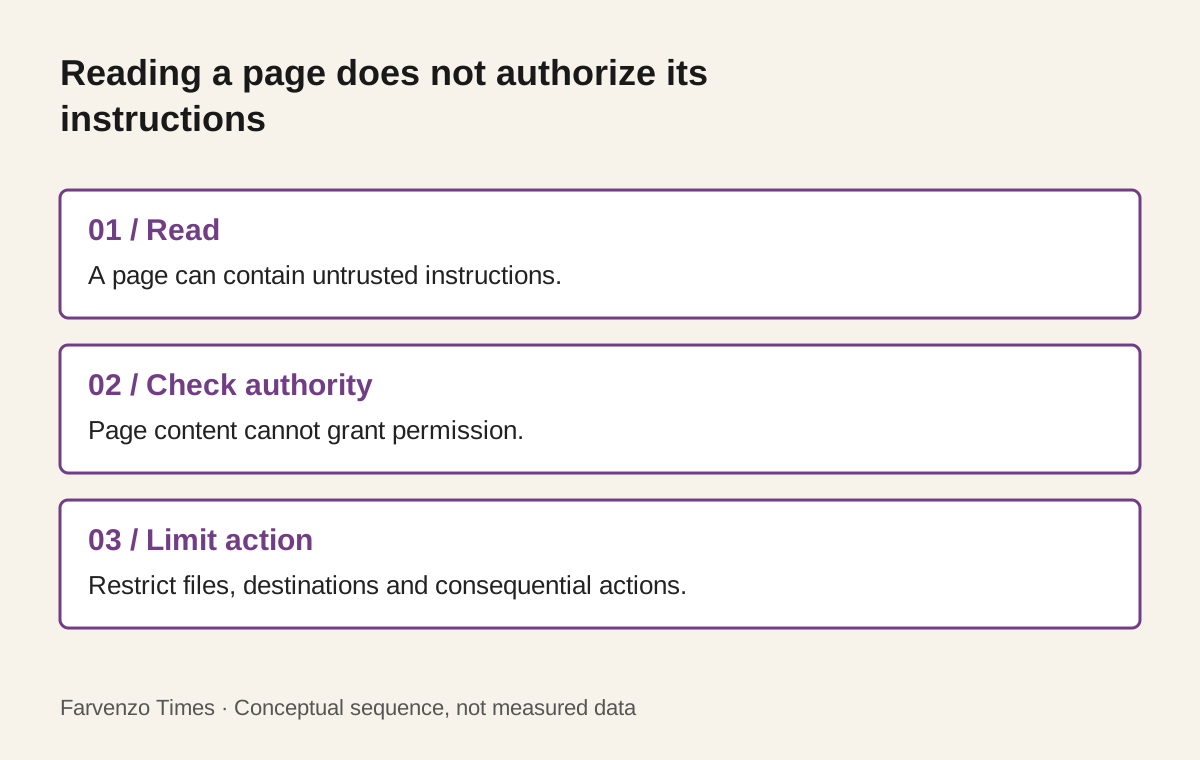
- 01 / ReadA page can contain untrusted instructions.
- 02 / Check authorityPage content cannot grant permission.
- 03 / Limit actionRestrict files, destinations and consequential actions.
Conceptual sequence, not measured data. View the static graphic.
A small team can apply this distinction before starting work: specify the folder the agent needs, the services it may contact and the point where a human reviews a consequential action. Keep a record of the intended task so an unexpected request can be compared with the original instruction.
Why technical boundaries still matter
Anthropic's engineering explanation of sandboxing distinguishes filesystem isolation from network isolation. The first limits accessible files and modifications; the second limits destinations. Its argument is that both boundaries matter: restricting one while leaving the other broad can preserve a route to harm. These are descriptions of a security design, not a guarantee that every deployment is secure.
Think of a hypothetical research workspace containing only public documents. If the agent does not need the company's customer export, keeping that export outside the workspace removes an unnecessary dependency. The sensible question is not how much access a tool can receive, but what access this particular job needs.
Make the final action easy to review
For a draft email or proposed update, review the actual recipients, content and attachments before release. Recheck when the destination or data changes. An approval that says only continue supplies little useful context. A review that shows the completed result lets a person assess the action they are authorizing.
The practical takeaway is to combine clear authority, narrow access and reviewable actions. Model defenses are one layer; the surrounding permissions determine what an error can reach. See how related controls apply in corporate finance.
Sources
Keep exploring
- From Invoice Matching to Payments: A Control Map for Finance Agents →
A control-first guide to finance agents, including three-way matching, evidence, permission tiers, prompt injection, exceptions, and illustrative ROI.
- AI Voice Cloning Scams: How to Verify an Emergency Call →
Learn how AI voice scams exploit trust and urgency, why familiar audio is not proof, and how a callback routine can protect your family and business.